








EN
EN
EN

Current version: 1.4

Current version: 1.4

Updated: 24.12.25

Handbook to help organize your work in a delightful way

Handbook to help organize your work in a delightful way

with real-world examples and components

with real-world examples and components

The reason I created this handbook:
every time I looked at others' layouts, whether at work or during interviews, I noticed the same thing:

100500 different shades of blue instead of just one or two

❌ Buttons of all possible sizes (42px, 44px, 48px...)

Various fonts and their sizes that were "used somewhere sometime," and it's unclear where each should be applied

Inconsistent components: the same element appears differently on various pages

100,500 different shades of blue instead of just one or two

❌ Buttons of every possible size (42px, 44px, 48px...)

Various fonts and sizes that were used "somewhere sometime", and it's unclear where exactly they should be applied

Inconsistent components: the same element looks different on different pages

But don't worry, I've been there too 😊

That's why I decided to organize all of this into a handbook. At first, for myself, and then I realized I wanted to share it with others to support the growth design resources. There's an ocean of content out there, but very little that’s truly structured.

This isn't a set of rules from ChatGPT or a summary of Medium articles; it's my 15 years of experience battling chaos, my mistakes, insights, and solutions that truly work.

with real-world examples and components

Current version: 1.4

Updated: 24.12.25

Handbook to help organize your work in a delightful way

with real-world examples and components

The reason I created this handbook:
every time I looked at others' layouts, whether at work or during interviews, I noticed the same thing:

100,500 different shades of blue instead of just one or two

❌ Buttons of every possible size (42px, 44px, 48px...)

Various fonts and sizes that were used "somewhere sometime", and it's unclear where exactly they should be applied

Inconsistent components: the same element looks different on different pages

But don't worry, I've been there too 😊

That's why I decided to organize all of this into a handbook. At first, for myself, and then I realized I wanted to share it with others to support the growth design resources. There's an ocean of content out there, but very little that’s truly structured.

This isn't a set of rules from ChatGPT or a summary of Medium articles; it's my 15 years of experience battling chaos, my mistakes, insights, and solutions that truly work.

with real-world examples and components

Support Ukraine
🇺🇦

Support
Ukraine

🇺🇦

Support
Ukraine

🇺🇦

Support Ukraine
🇺🇦

By purchasing the handbook, you will receive:

By purchasing the handbook, you will receive:

By purchasing the handbook, you will receive:

Knowledge from A to Z on creating design systems

Step-by-step instructions for creating components

Step-by-step instructions for creating components.

Buy once and receive lifetime updates

Practical Figma file with all components from the book

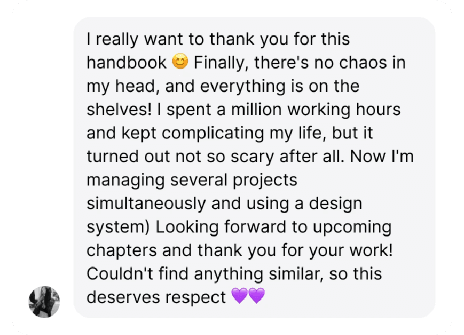
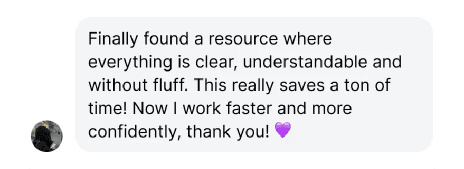
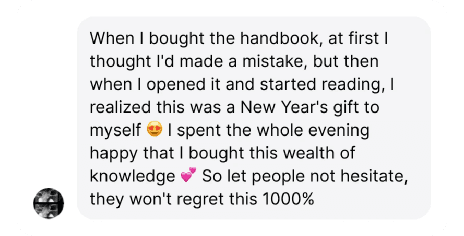
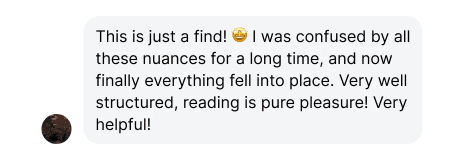
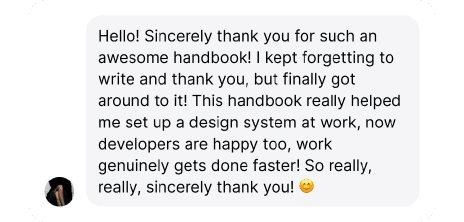
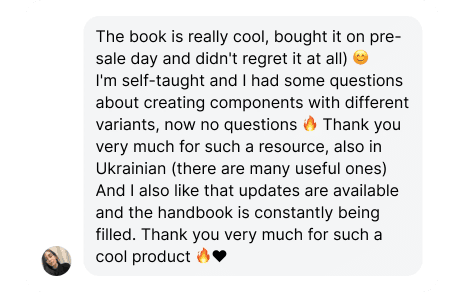
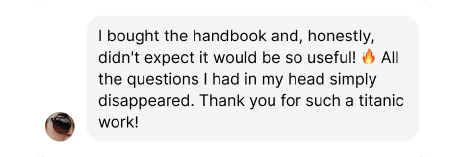
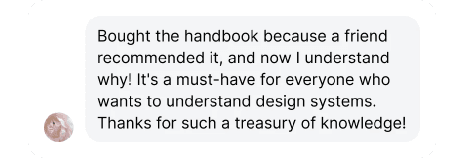
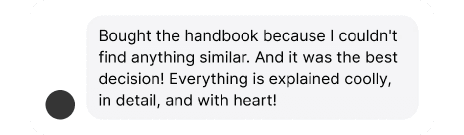
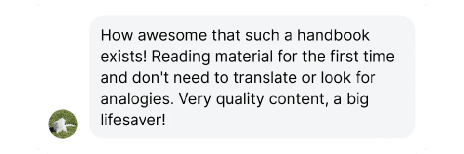
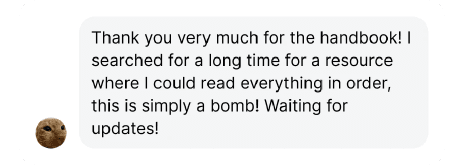
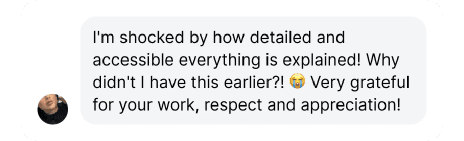
Reviews

Reviews

Reviews

Join

Join

128 people improving their work

128 people improving their work

Table of contents

Table of contents

Table of contents
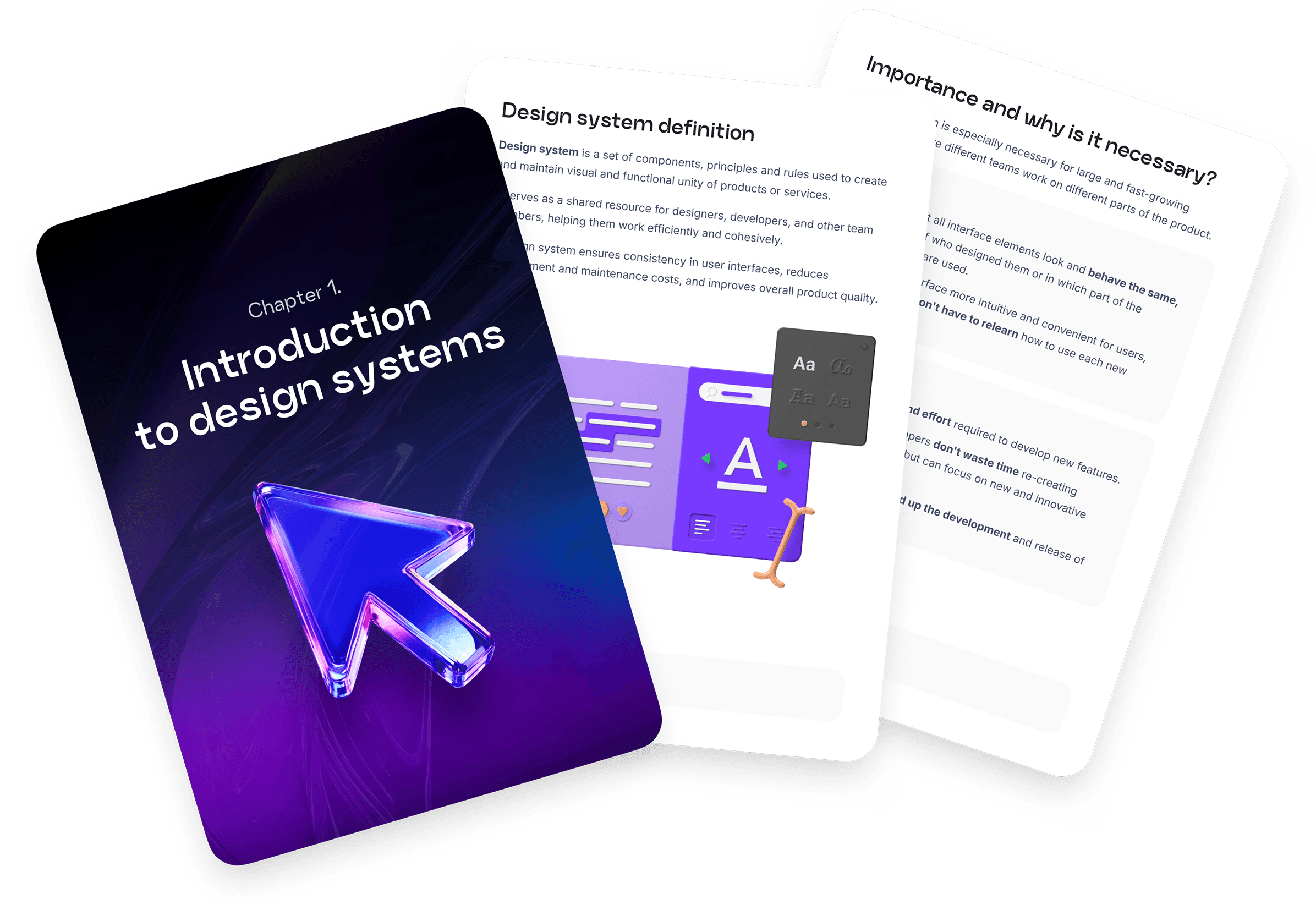
Now available (18 pages)
Chapter 1.
Introduction to Design Systems
Section 1. Introduction to DS

What you'll learn:

Learn what design systems are, why they matter, how they're structured, and explore real-world examples.

What you'll learn:

Learn what design systems are, why they matter, how they're structured, and explore real-world examples.

View details
View details
View details
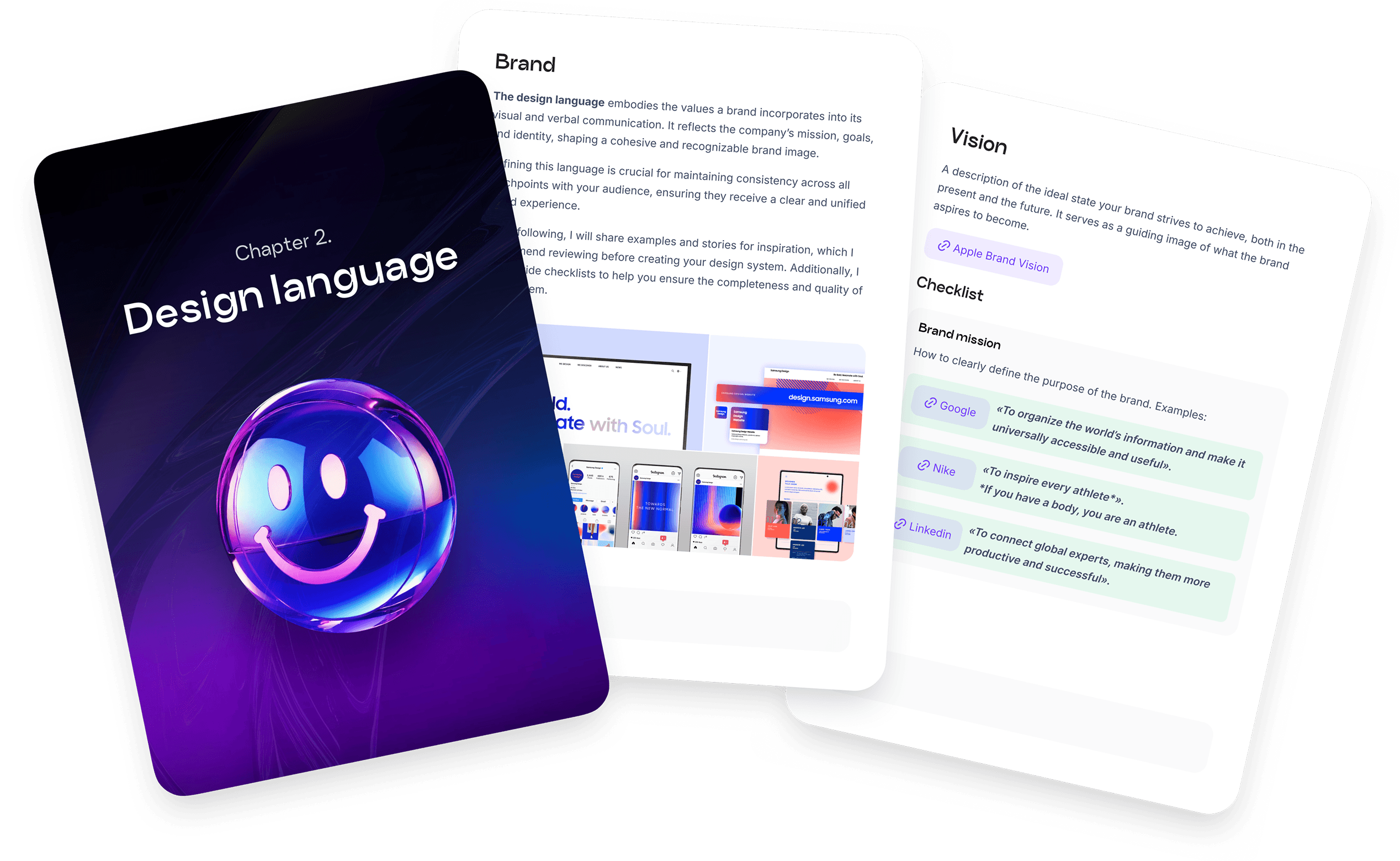
Now available (20 pages)
Chapter 2.
Design Language
Chapter 2. Design Language
Section 2.
Language of Design

What you'll learn:

Learn to apply brand elements and build accessible, internationalized guidelines for global products.

What you'll learn:

Learn to apply brand elements and build accessible, internationalized guidelines for global products.

View details
View details
View details
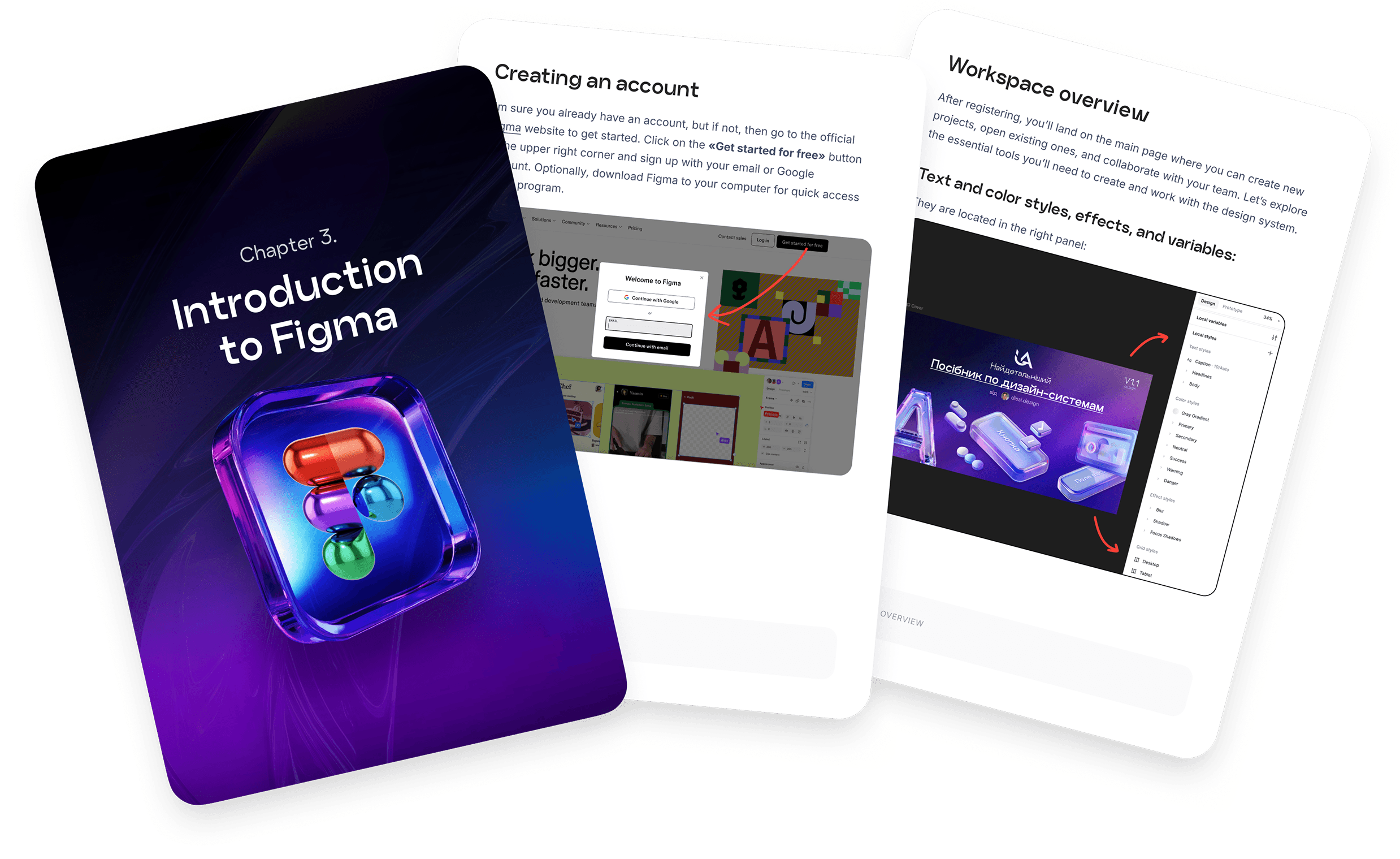
Now available (11 pages)
Chapter 3.
Introduction to Figma
Chapter 3. Introduction to Figma

What you'll learn:

Get started with Figma: create projects, master essential tools and shortcuts.

What you'll learn:

Get started with Figma: create projects, master essential tools and shortcuts.

View details
View details
View details
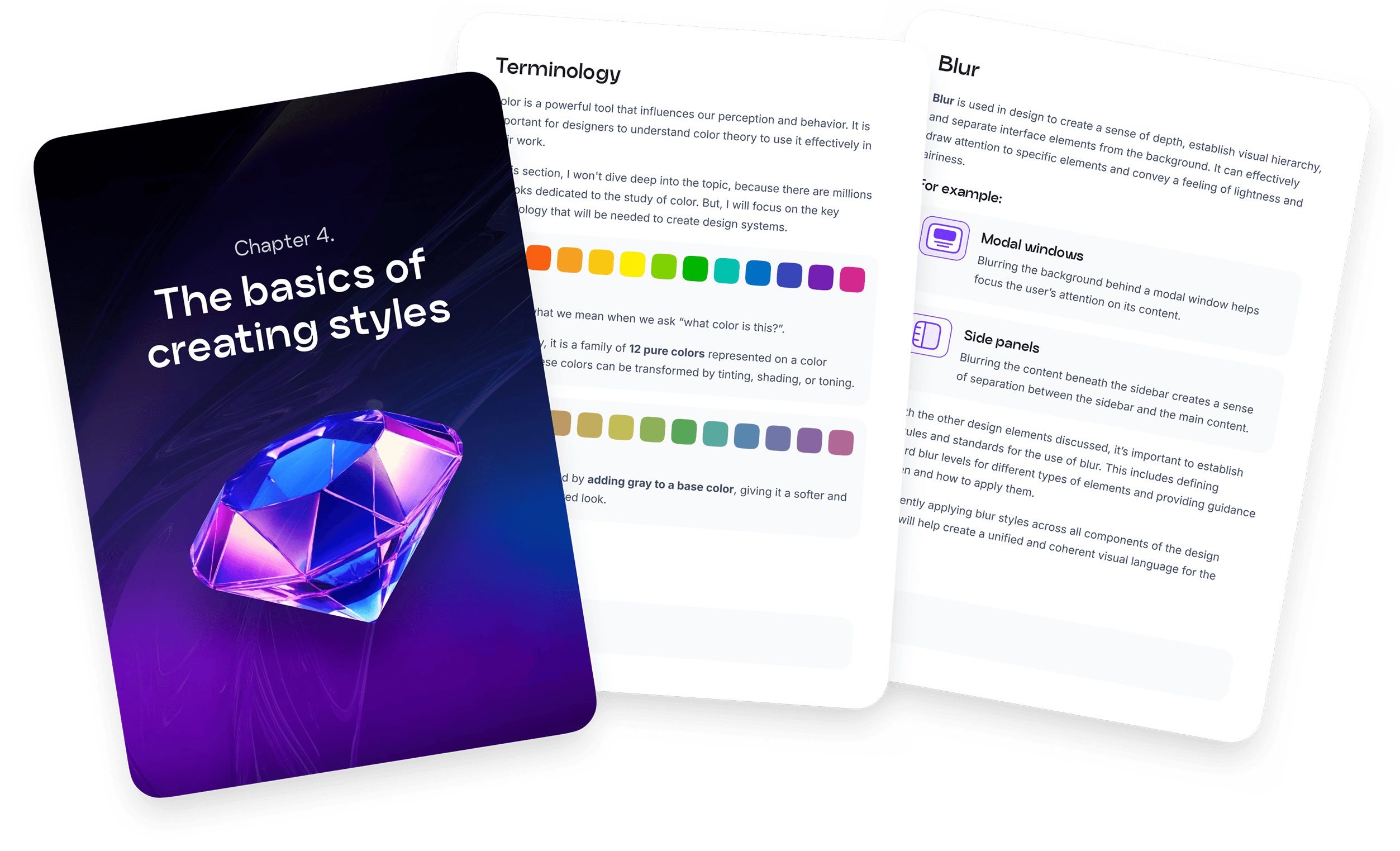
Now available (169 pages)
Chapter 4.
Creating Styles
Chapter 4. Creating Styles

What you'll learn:

Build a complete style guide: from color palettes to spacing systems, with focus on accessibility and responsiveness.

What you'll learn:

Build a complete style guide: from color palettes to spacing systems, with focus on accessibility and responsiveness.

View details
View details
View details
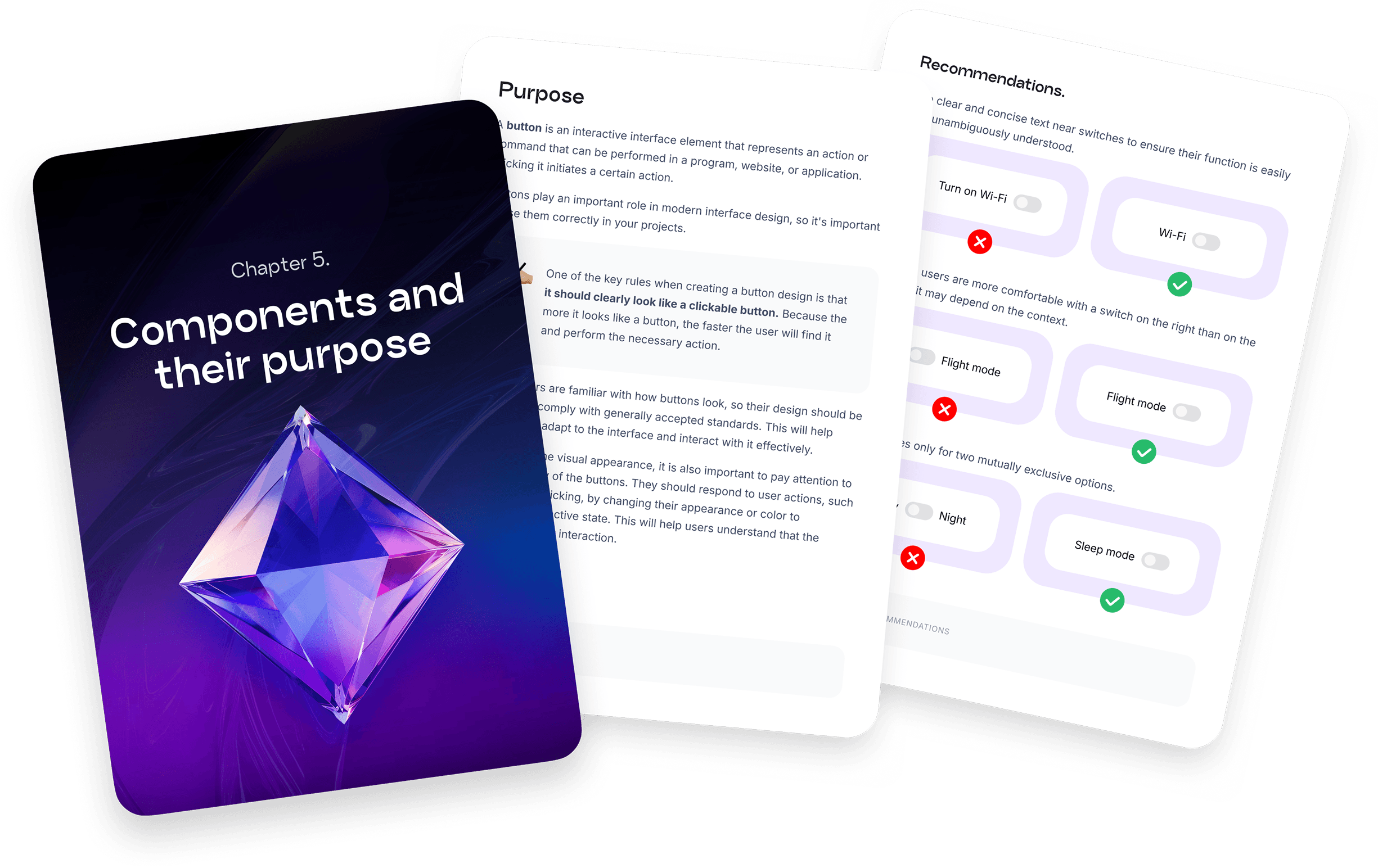
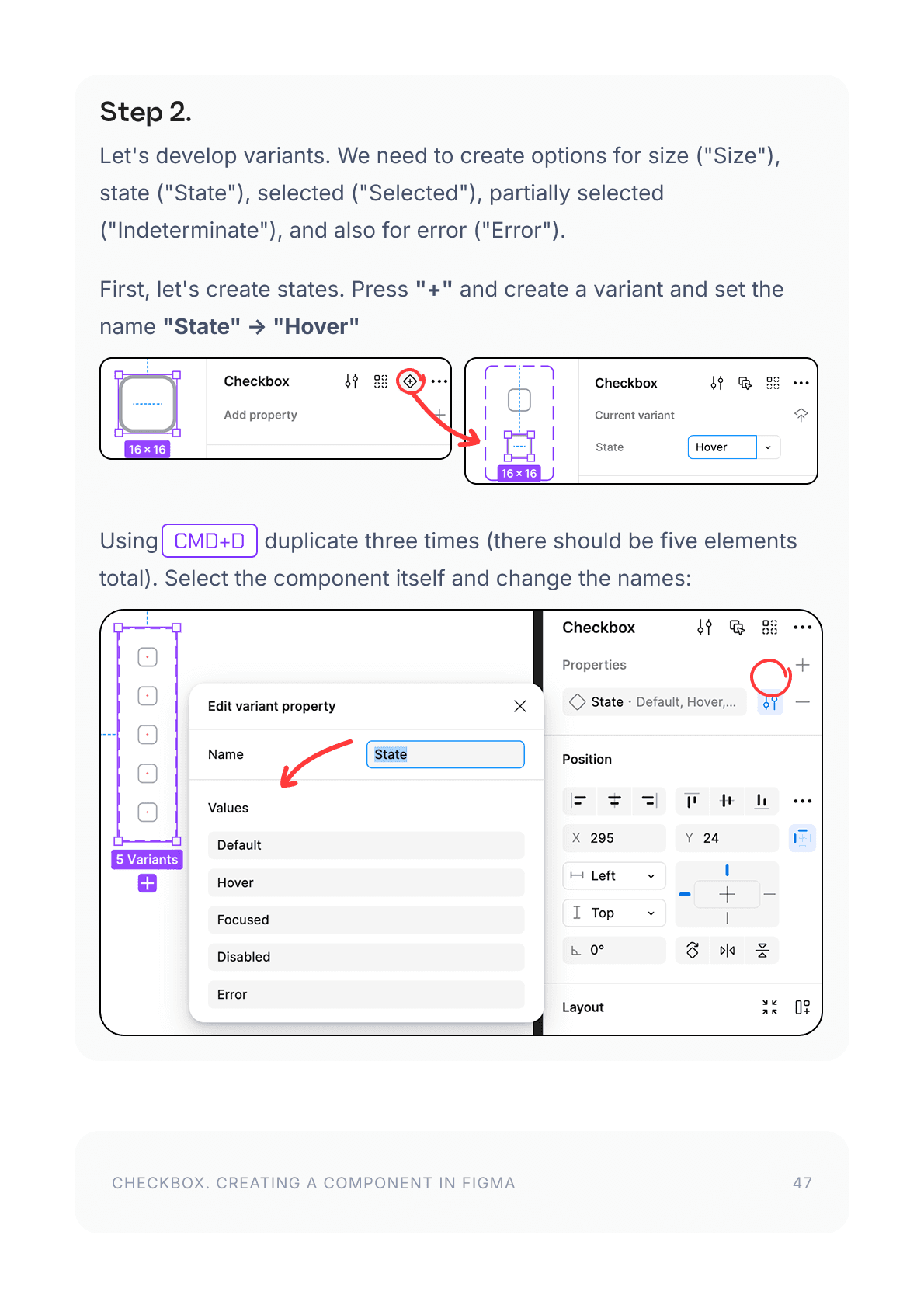
Now available (354 pages)
Chapter 5. Components and Their Purpose

What you'll learn:

Explore common UI components, their types and use cases, plus best practices for each.

What you'll learn:

Explore common UI components, their types and use cases, plus best practices for each.

View details
View details
View details
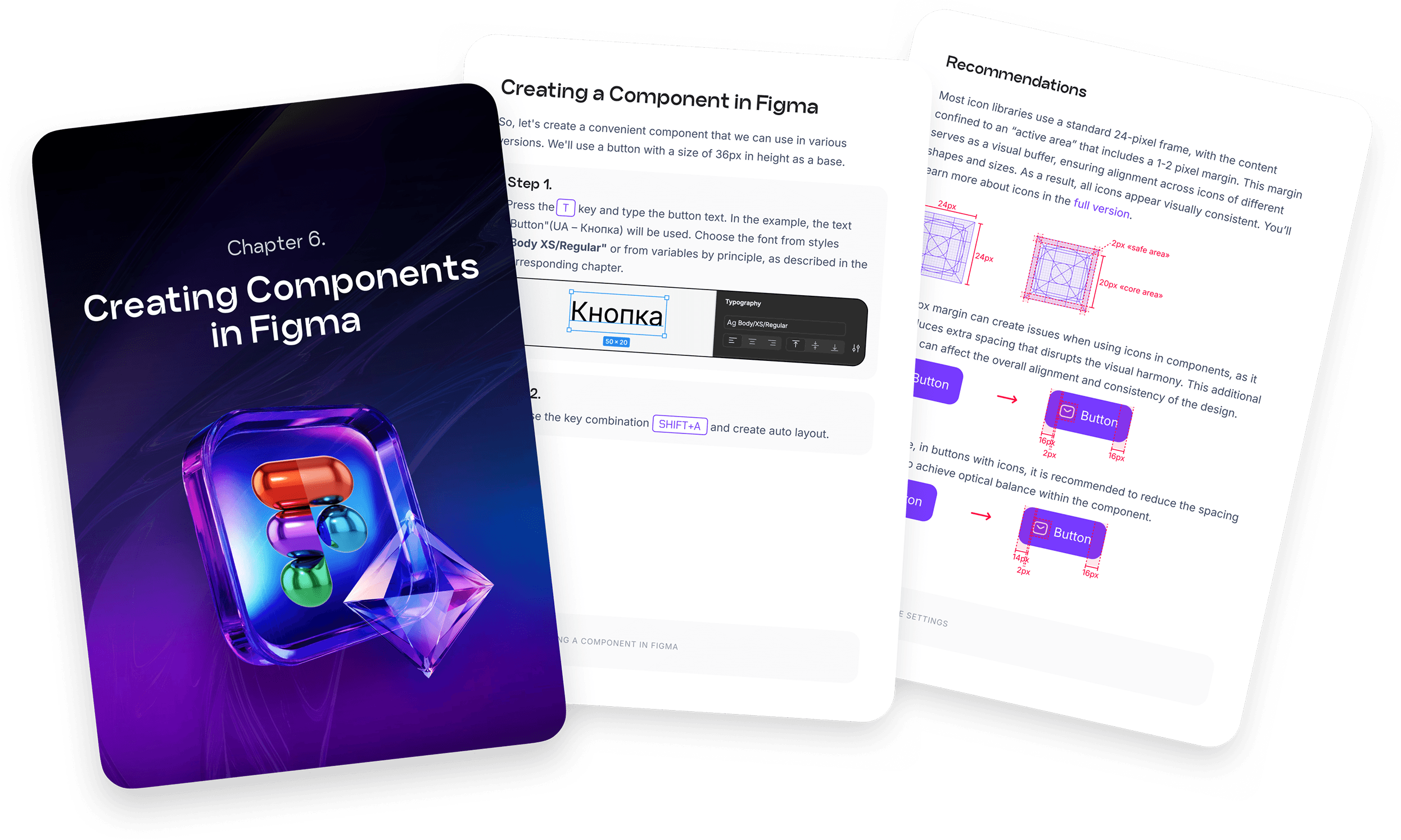
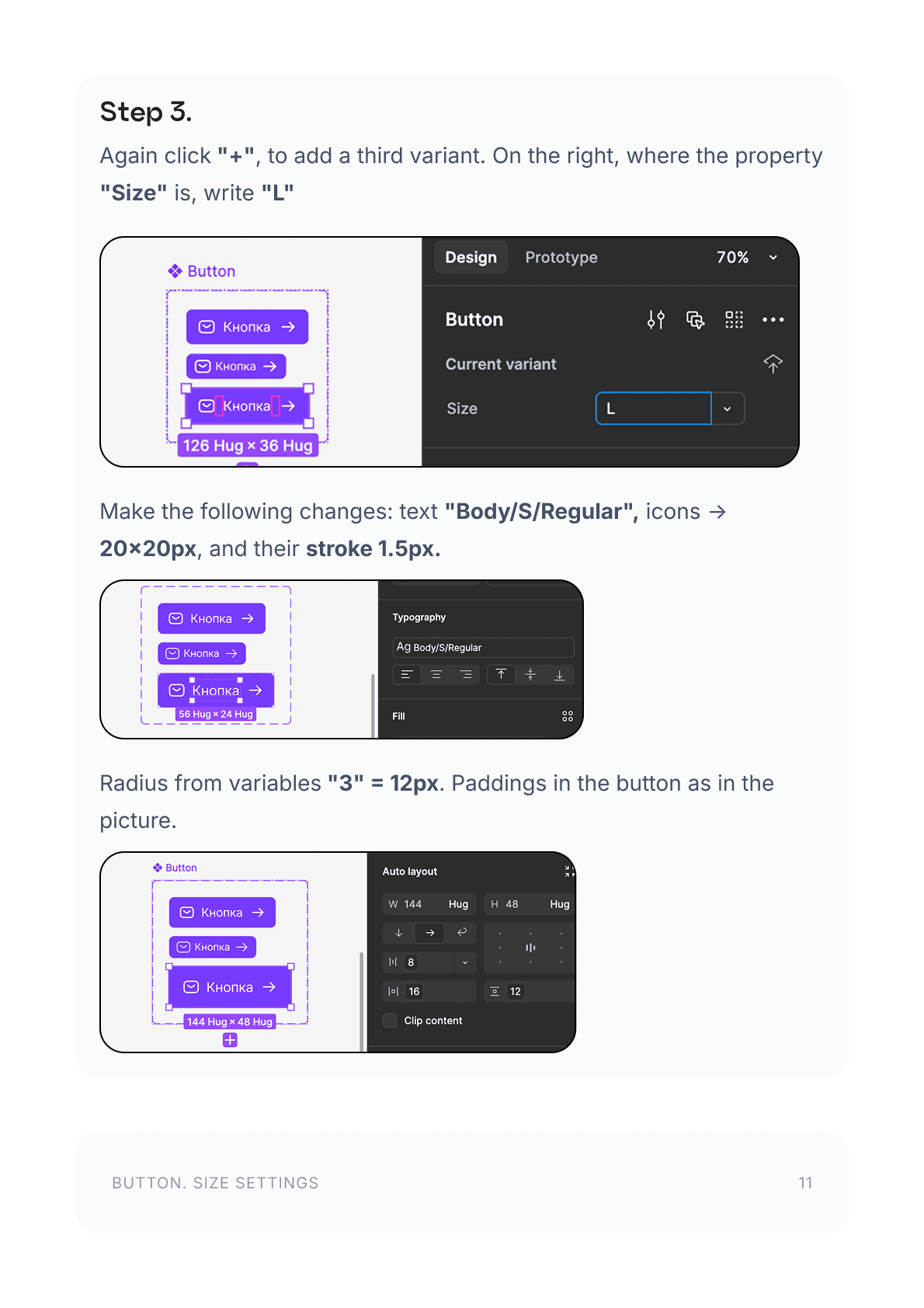
Now available (66 pages)
Chapter 6. Creating Components in Figma

What you'll learn:

Create simple and advanced components with variants in Figma, and configure them using variables.

What you'll learn:

Create simple and advanced components with variants in Figma, and configure them using variables.

View details
View details
View details
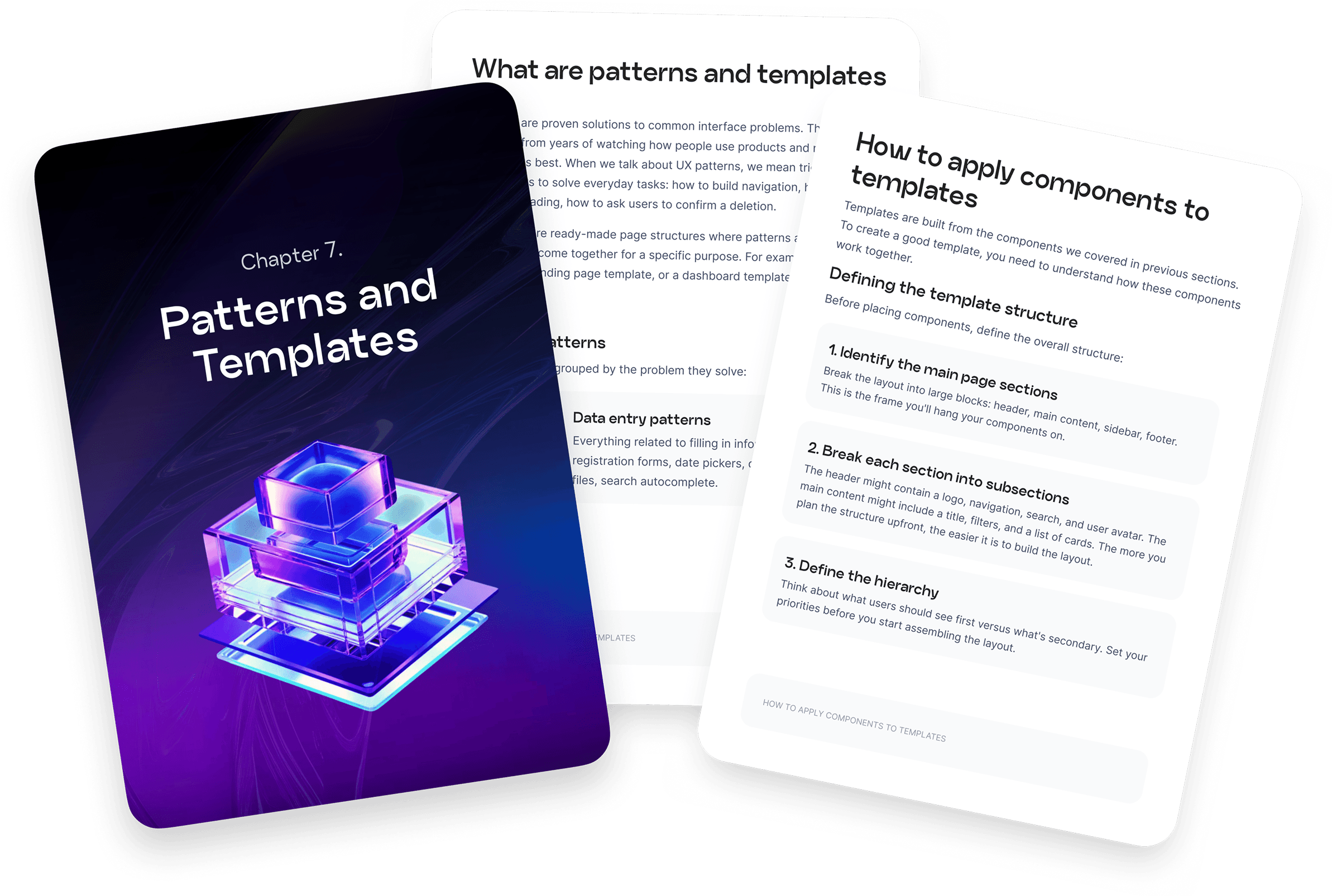
Available now (89 pages)
Section 7.
Patterns and Templates
Section 7. Patterns and Templates
Section 6. Patterns
and Templates

What you'll learn:

Learn to use components in templates, find ready-made patterns, and create your own.

What you'll learn:

Learn to use components in templates, find ready-made patterns, and create your own.

View details
View details
View details
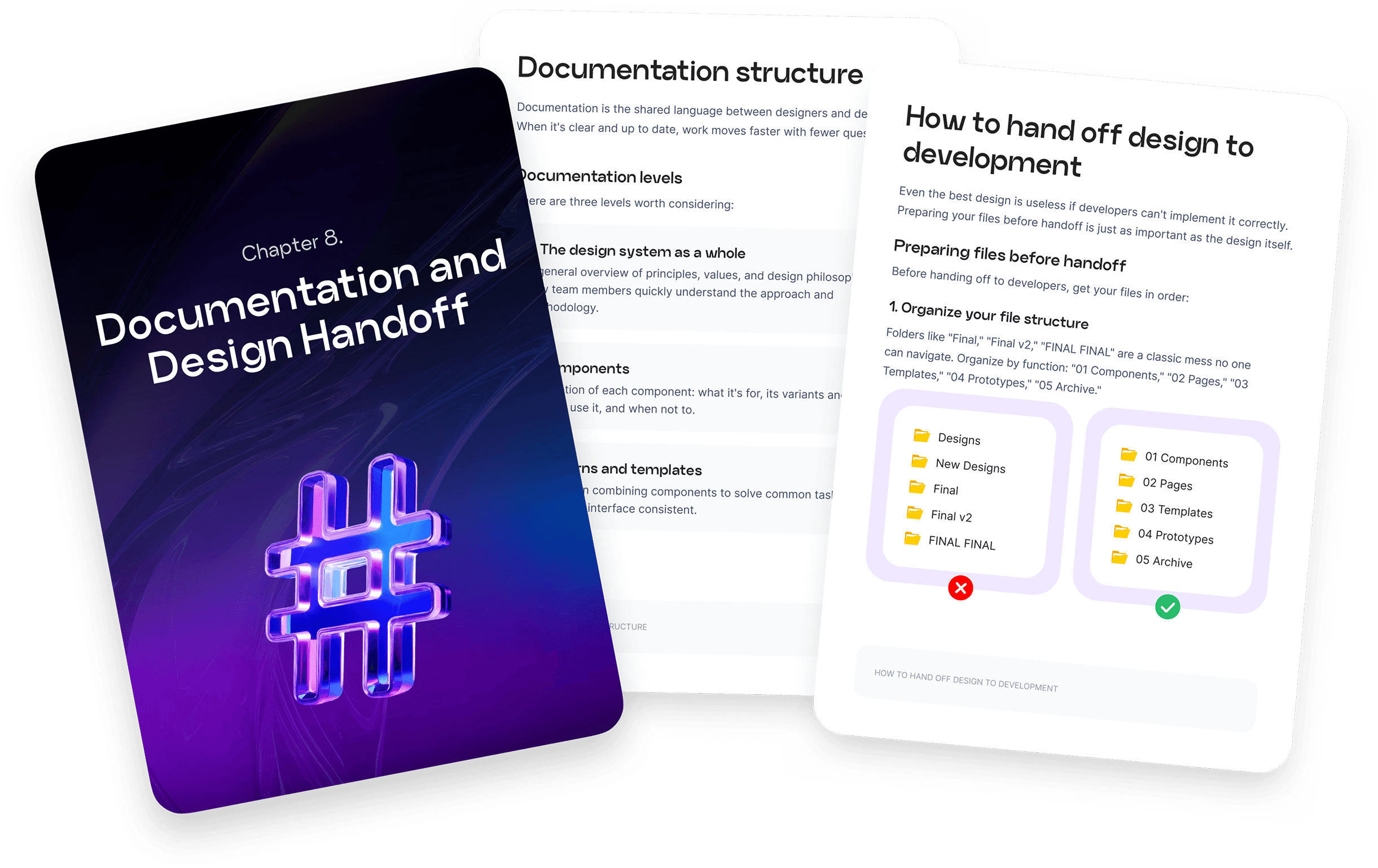
Available now (37 pages)
Section 8.
Documentation
Section 8. Documentation

What you'll learn:

Learn to hand off designs to developers and publish component libraries.

What you'll learn:

Learn to hand off designs to developers and publish component libraries.

View details
View details
View details
Have a suggestion?
Have a suggestion?
Have a suggestion?

I want this handbook to be as useful as possible. Let me know what topics you'd like covered, and I'll include them in future updates.

I want this handbook to be as useful as possible. Let me know what topics you'd like covered, and I'll include them in future updates.

Submit request
Submit request

Submit request

Now available (18 pages)
Section 1.
Introduction to Design Systems

What you'll learn:

Learn what design systems are, why they matter, how they're structured, and explore real-world examples.

View details
Now available (20 pages)
Section 2.
Language of Design

What you'll learn:

Learn to apply brand elements and build accessible, internationalized guidelines for global products.

View details
Now available (11 pages)
Chapter 3. Introduction to Figma

What you'll learn:

Get started with Figma: create projects, master essential tools and shortcuts.

View details
Now available (169 pages)
Section 4.
Creating Styles

What you'll learn:

Build a complete style guide: from color palettes to spacing systems, with focus on accessibility and responsiveness.

View details
Now available (354 pages)
Chapter 5. Components and Their Purpose

What you'll learn:

Explore common UI components, their types and use cases, plus best practices for each.

View details
Now available (66 pages)
Chapter 6. Creating Components in Figma

What you'll learn:

Create simple and advanced components with variants in Figma, and configure them using variables.

View details
Available now (89 pages)
Section 7.
Patterns and Templates

What you'll learn:

Learn to use components in templates, find ready-made patterns, and create your own.

View details
Available now (37 pages)
Section 8.
Documentation

What you'll learn:

Learn to hand off designs to developers and publish component libraries.

View details
Have a suggestion?

I want this handbook to be as useful as possible. Let me know what topics you'd like covered, and I'll include them in future updates.

Submit request
Still wondering if it's for you?

Still wondering if it's for you?

Still wondering if it's for you?

Still wondering if it's for you?

Here are some answers:

Here are some answers:

💠 "I don't need a design system..."

💠 "I don't need a design system..."

Many designers think they can manage without one, until they face a large project and realize they're starting from scratch every time.

Many designers think they can manage without one, until they face a large project and realize they're starting from scratch every time.

Projects grow. Being ready to scale means you won't get stuck. A design system gives you a head start and confidence in your output quality.

Projects grow. Being ready to scale means you won't get stuck. A design system gives you a head start and confidence in your output quality.

⏳ "Not enough time, too many projects..."

⏳ "Not enough time, too many projects..."

I get it. Deadlines are brutal. That's exactly why a design system is a lifesaver. It helps you move faster, stop reinventing the wheel, and reduce revisions.

I get it. Deadlines are brutal. That's exactly why a design system is a lifesaver. It helps you move faster, stop reinventing the wheel, and reduce revisions.

You'll have lifetime access, so you can learn at your own pace and implement gradually.

You'll have lifetime access, so you can learn at your own pace and implement gradually.

Once your team adopts a design system, you'll finish projects faster, no matter the complexity.

Once your team adopts a design system, you'll finish projects faster, no matter the complexity.

👾 "There are many free resources"

👾 "There are many free resources"

Sure, if you have unlimited time, you can piece together free resources from across the internet.

Sure, if you have unlimited time, you can piece together free resources from across the internet.

This handbook gives you a structured system and ready-to-use solutions, so you skip the hours of searching and sifting through conflicting advice.

This handbook gives you a structured system and ready-to-use solutions, so you skip the hours of searching and sifting through conflicting advice.

Plus, all future updates are included at no extra cost.

Plus, all future updates are included at no extra cost.

💰 "Too expensive"

💰 "Too expensive"

Your time is worth more!

Yes, the full version has a cost. But it's an investment in better work and fewer wasted hours.

Your time is worth more.

Yes, the full version has a cost. But it's an investment in better work and fewer wasted hours.

Think how many hours you spend searching for scattered answers online. This handbook puts everything in one place. I learned from years of costly mistakes so you don't have to.

Think how many hours you spend searching for scattered answers online. This handbook puts everything in one place. I learned from years of costly mistakes so you don't have to.

Designers using this handbook ship faster, build better products, and grow their careers. A solid system pays for itself faster than you'd expect.

Designers using this guide ship faster, build better products, and grow their careers. A solid system pays for itself faster than you'd expect.

🤔 "I don't see the value"

🤔 "I don't see the value"

You already have your own workflow. But even one new idea can level up how you approach design.

You already have your own workflow. But even one new idea can level up how you approach design.

This handbook combines hands-on experience with global best practices to help you avoid common mistakes.

This handbook combines hands-on experience with global best practices to help you avoid common mistakes.

A single insight can transform your entire system.

A single insight can transform your entire system.

Your projects, your team, and your clients will all benefit.

Your projects, your team, and your clients will all benefit.

🤔 "I don't see the value"

You already have your own workflow. But even one new idea can level up how you approach design.

This handbook combines hands-on experience with global best practices to help you avoid common mistakes.

A single insight can transform your entire system.

Your projects, your team, and your clients will all benefit.

Try before you buy

Try before you buy

Try before you buy

Not sure if it's for you? Download the free sample to explore the format and style before buying.

To familiarize yourself with my presentation style and determine if it suits you, be sure to download the free snippet before purchasing:

Not sure if it's for you? Download the free sample to explore the format and style before buying.

Who it's for

Who it's for

Who it's for

🧑‍🎨 Designers

For beginners:

Get practical skills you can apply right away, without years of self-study and trial and error.

Experienced:

Scale projects faster, automate routine work, and free up time for creative tasks.

🥷 Developers

Front-End:

Use components and design tokens to build consistent, scalable, maintainable products.

Back-End:

Understand how design systems integrate with backend architecture for more efficient development.

Product owners

See how design systems help you manage product development, ship faster, and stay competitive.

🧑‍💼 Project managers

Standardize workflows, improve designer-developer collaboration, cut development time, and ship higher-quality products.

🧑‍🎓 Students

Learn essential design and development skills in a fraction of the time. Accelerate your career and open doors to new opportunities.

👯 To teams

Collaborate better with a shared design system. Save time, reuse components, and keep your designs consistent.

🏦 Companies

Build a unified design language that strengthens your brand, improves UX, and gives you a competitive edge.

🧑‍🎨 Designers

For beginners:

Get practical skills you can apply right away, without years of self-study and trial and error.

Experienced:

Scale projects faster, automate routine work, and free up time for creative tasks.

🥷 Developers

Front-End:

Use components and design tokens to build consistent, scalable, maintainable products.

Back-End:

Understand how design systems integrate with backend architecture for more efficient development.

Product owners

See how design systems help you manage product development, ship faster, and stay competitive.

🧑‍💼 Project managers

Standardize workflows, improve designer-developer collaboration, cut development time, and ship higher-quality products.

🧑‍🎓 Students

Learn essential design and development skills in a fraction of the time. Accelerate your career and open doors to new opportunities.

👯 To teams

Collaborate better with a shared design system. Save time, reuse components, and keep your designs consistent.

🏦 Companies

Build a unified design language that strengthens your brand, improves UX, and gives you a competitive edge.

🧑‍🎨 Designers

For beginners:

Get practical skills you can apply right away, without years of self-study and trial and error.

Experienced:

Scale projects faster, automate routine work, and free up time for creative tasks.

🥷 Developers

Front-End:

Use components and design tokens to build consistent, scalable, maintainable products.

Back-End:

Understand how design systems integrate with backend architecture for more efficient development.

Product owners

See how design systems help you manage product development, ship faster, and stay competitive.

🧑‍💼 Project managers

Standardize workflows, improve designer-developer collaboration, cut development time, and ship higher-quality products.

🧑‍🎓 Students

Learn essential design and development skills in a fraction of the time. Accelerate your career and open doors to new opportunities.

👯 To teams

Collaborate better with a shared design system. Save time, reuse components, and keep your designs consistent.

🏦 Companies

Build a unified design language that strengthens your brand, improves UX, and gives you a competitive edge.

🧑‍🎨 Designers

🧑‍🎨 Designers

For beginners:

Get practical skills you can apply right away, without years of self-study and trial and error.

Experienced:

Scale projects faster, automate routine work, and free up time for creative tasks.

🥷 Developers

🥷 Developers

Front-End:

Use components and design tokens to build consistent, scalable, maintainable products.

Back-End:

Understand how design systems integrate with backend architecture for more efficient development.

Product owners

Product owners

See how design systems help you manage product development, ship faster, and stay competitive.

🧑‍💼 Project managers

🧑‍💼 Project managers

Standardize workflows, improve designer-developer collaboration, cut development time, and ship higher-quality products.

🧑‍🎓 Students

🧑‍🎓 Students

Learn essential design and development skills in a fraction of the time. Accelerate your career and open doors to new opportunities.

👯 To teams

👯 To teams

Collaborate better with a shared design system. Save time, reuse components, and keep your designs consistent.

🏦 Companies

🏦 Companies

Build a unified design language that strengthens your brand, improves UX, and gives you a competitive edge.

Who am I and why can you trust me?

I am Olena, a designer since 2010.

I am Olena, a designer since 2010.

My path

My journey started with web development while studying at KPI 🎓

Then I worked as a designer-coder on projects such as i.ua, bigmir.net, and tochka.net. Back then it was just Photoshop, and design happened alongside coding.

That's how I developed a deep understanding of both design and development. Because of this, I know how to create not only attractive designs but also functional and easy to develop.

Work Experience

Currently, I am working on an American product Taxdome, where I lead design for the tax practice management platform. Working on a complex, large-scale product showed me firsthand how critical a solid design system really is.

Previously, I worked at the bank Pumb, where I improved the experience for business clients.

Before that, I participated in the development of large-scale projects such as Dukascopy Bank, Privat-24 for Business, Monobank, and many others.

Who am I and why can you trust me?

I am Olena, a designer since 2010.

My path

My journey started with web development while studying at KPI 🎓

Then I worked as a designer-coder on projects such as i.ua, bigmir.net, and tochka.net. Back then it was just Photoshop, and design happened alongside coding.

That's how I developed a deep understanding of both design and development. Because of this, I know how to create not only attractive designs but also functional and easy to develop.

Work Experience

Currently, I am working on an American product Taxdome, where I lead design for the tax practice management platform. Working on a complex, large-scale product showed me firsthand how critical a solid design system really is.

Previously, I worked at the bank Pumb, where I improved the experience for business clients.

Before that, I participated in the development of large-scale projects such as Dukascopy Bank, Privat-24 for Business, Monobank, and many others.

My goal

Help you master design systems that actually simplify your work, reduce chaos, and grow your income.

Olena

Product designer

Honestly, I have a personal mission too: I want more designers who build great products and spend their time on creativity, not endlessly rearranging buttons.

Design system

Aa

Aa

Aa

AA

Email

Send

My goal

Help you master design systems that actually simplify your work, reduce chaos, and grow your income.

Olena

Product designer

Honestly, I have a personal mission too: I want more designers who build great products and spend their time on creativity, not endlessly rearranging buttons.

Design system

Aa

Aa

Aa

AA

Email

Send

My goal

Help you master design systems that actually simplify your work, reduce chaos, and grow your income.

Olena

Product designer

Honestly, I have a personal mission too: I want more designers who build great products and spend their time on creativity, not endlessly rearranging buttons.

Design system

Aa

Aa

Aa

AA

Email

Send

My goal

Help you master design systems that actually simplify your work, reduce chaos, and grow your income.

Olena

Product designer

Honestly, I have a personal mission too: I want more designers who build great products and spend their time on creativity, not endlessly rearranging buttons.

Design system

Aa

Aa

Aa

AA

Email

Send

My principles

My principles

My principles

I believe design knowledge shouldn't be gatekept. This guide distills years of experience into practical advice anyone can use – whether you're just starting out or leading a team.

I believe design knowledge shouldn't be gatekept. This guide distills years of experience into practical advice anyone can use – whether you're just starting out or leading a team.

Everyone has their own style. This handbook shares what works for me and my teams. That's why there's a free sample – check if my approach fits yours. If something doesn't click, that's totally fine. Take what's useful, skip the rest.

Everyone has their own style. This handbook shares what works for me and my teams. That's why there's a free sample – check if my approach fits yours. If something doesn't click, that's totally fine. Take what's useful, skip the rest.

Want more?
Follow me on social media for extra tips and free resources.

Want more?
Follow me on social media for extra tips and free resources.

Pricing

Pricing

Pricing

Price increases as new sections are added. Lock in today's rate.

Price increases as new sections are added. Lock in today's rate.

Price increases as new sections are added. Lock in today's rate.

Preview the guide's structure and format

Step-by-step example: complex component with variants

Figma file with a fully broken-down component

760 pages of useful and detailed information without fluff

Figma file with ready-to-use components, all explained in the guide

Lifetime access to all future updates

Personal support if you have questions

Need a website like this?

Need a website like this?

Need a website like this?

Need a website like this?

Drop your details and I'll reach out to discuss.

Drop your details and I'll reach out to discuss.

Thank you for your trust :)

Do you have any questions or suggestions? Please contact us using the information below:

© Dissi.Design, 2024-2025. All rights reserved.

Thank you for your trust :)

Thank you for your trust :)

Do you have any questions or suggestions? Please contact us using the information below:

Do you have any questions or suggestions? Please contact us using the information below:

© Dissi.Design, 2024. All rights reserved.

© Dissi.Design, 2024. All rights reserved.